Component Model
Components are critical data in PCB design and GerberGPT. The purpose and various parameters of the components are essential elements in training the component dataset. Most of this information can usually be obtained from the public data provided by component manufacturers. GerberGPT has collected models for over components, with more than 10 million corresponding parameters, and this data is continuously increasing.
Parameters
By collecting a large number of component data, the information from these manuals can be organized into a dataset. These parameters will determine the quality of the model training results. After extensive neural network training, you can understand the component model as a process that replaces hardware engineers in selecting components.
Let's extract necessary parameters from TPS61181RTER datasheet as an example.
| Attribute | Value |
|---|---|
| Package / Case | 16-WFQFN Exposed Pad |
| Voltage - Output | 38V |
| Mounting Type | Surface Mount |
| Number of Outputs | 6 |
| Frequency | 1MHz |
| Type | DC DC Regulator |
| Operating Temperature | -40°C – 85°C (TA) |
| Applications | Backlight |
| Current - Output / Channel | 25mA |
| Internal Switch(s) | Yes |
| Topology | Step-Up (Boost) |
| Supplier Device Package | 16-WQFN (3x3) |
| Dimming | PWM |
| Voltage - Supply (Min) | 5V |
| Voltage - Supply (Max) | 24V |
Component Parameters
"parameters": [
    {
        "parameter": "Package / Case",
        "value": "16-WFQFN Exposed Pad"
    },
    {
        "parameter": "Voltage - Output",
        "value": "38V"
    },
    {
        "parameter": "Mounting Type",
        "value": "Surface Mount"
    },
    {
        "parameter": "Number of Outputs",
        "value": 6
    },
    {
        "parameter": "Frequency",
        "value": "1MHz"
    },
    ...
]
Typical Application
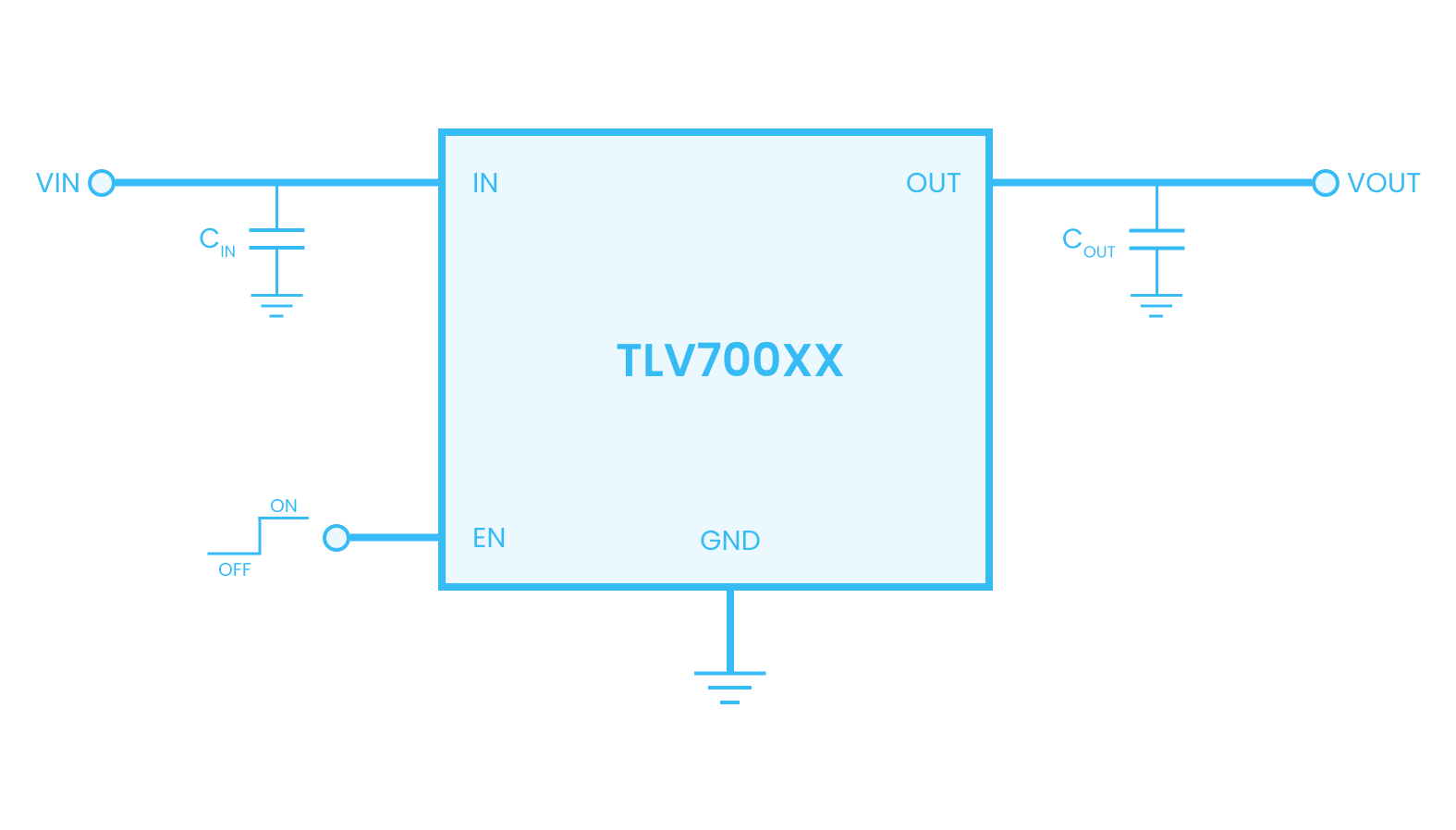
Manufacturers provide standard schematics in the component data manuals. To make GerberGPT more powerful, we need to enhance its ability to learn from typical applications using technical methods. Like a human, it should be able to understand schematics, recognize the definition and function of each pin, and link to other components or networks, such as capacitors, resistors, power supplies, or specific signals.
Pin Table
To get started, create a new application in your developer settings, then read about how to make requests for the resources you need to access using our HTTP APIs or dedicated client SDKs. When your integration is ready to go live, publish it to our integrations directory to reach the Protocol community.
| NO. | NAME | I/O | DESCRIPTION |
|---|---|---|---|
| 1 | PGND | I | Power ground of the IC. Internally, it connects to the source of the PWM switch. |
| 2 | SW | I | This pin connects to the drain of the internal PWM switch, external Schottky diode and inductor. |
| 3 | VBAT | I | This pin is connected to the battery supply. It provides the pull-up voltage for the Fault pin and battery voltage signal. For TPS61181/2, this is also the input to the internal LDO. |
| 4 | VO | O | This pin monitors the output of the boost regulator. Connect this pin to the anode of the WLED strings. |
| 5 | ISET | I | The resistor on this pin programs the WLED output current. |
| 6 | Cin | I | Supply voltage of the IC. For TPS61181/2, it is the output of the internal LDO. Connect 0.1 µF bypass capacitor to this pin. For TPS61180, connect an external 3.3 V supply to power the IC. |
| 7, 8, 9, 12, 13, 14 | IFB1-IFB3 IFB4-IFB6 | I | Current sink regulation inputs. They are connected to the cathode of WLEDs. The PWM loop regulates the lowest VIFB to 400 mV. Each channel is limited to 25 mA current. |
| 10 | GND | I | Signal ground of the IC. |
| 11 | DCTRL | I | Dimming control logic input. The dimming frequency range is 100 Hz to 1 kHz. |
| 15 | EN | I | The enable pin to the IC. For TPS61181/2, a logic high signal turns on the internal LDO and enables the IC. Therefore, do not connect the EN pin to the Cin pin. |
| 16 | Fault | I | Gate driver output for an external PFET used for fault protection. It can also be used as signal output for system fault report. |
Component Pins
"pins": [
    {
        "pin": "1",
        "name": "PGND",
        "type": "input",
        "description": "Power ground of the IC. Internally, it connects..."
    },
    {
        "pin": "2",
        "name": "SW",
        "type": "input",
        "description": "This pin connects to the drain of the internal..."
    },
    {
        "pin": "3",
        "name": "VBAT",
        "type": "input",
        "description": "This pin is connected to the battery supply. It provides..."
    },
    {
        "pin": "4",
        "name": "VO",
        "type": "output",
        "description": "This pin monitors the output of the boost..."
    },
    {
        "pin": "5",
        "name": "ISET",
        "type": "input",
        "description": "The resistor on this pin programs the WLED output current."
    },
    ...
]
Model Resources
Component Model
Trained by over 1 million with 10 million parameters datasets.
Footprint Model
Learn about the message model and how to create, retrieve, update, delete, and list messages.
Schematic Model
Networks linked by schematic connectivity.
Gerber Model
Learn about the group model and how to create, retrieve, update, delete, and list groups.